
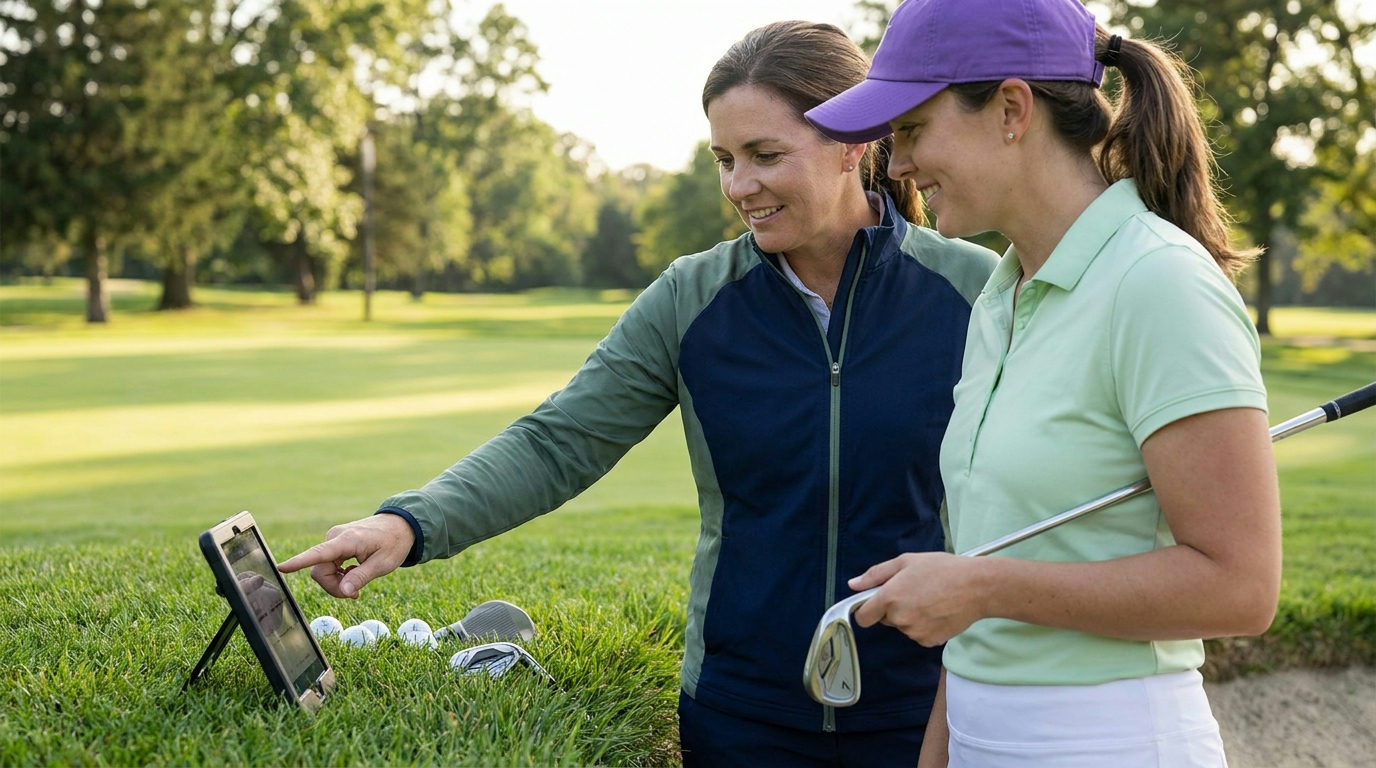
Golf technology for women is useful when it helps answer a question about your own game. A distance display can tell you how far a target is, a launch monitor can show what happened to a practice shot, and a record of recent rounds can help you describe a recurring problem. The transformation is in how you make and review decisions, not in a promise that a device will fix your swing.
This guide focuses on building a clear learning process with technology. It does not rank products, claim women need different data definitions or predict the next wave of gadgets. You will learn how to choose a question, gather information you can trust, and turn it into a useful conversation with an instructor. You can begin with equipment available at a lesson rather than buying a complete setup.
Pick a question before choosing a device
“I want to know how far my seven-iron carries on ordinary strikes” is a measurable question. “I want all the latest golf data” is a shopping ambition. Other useful questions include whether your putts usually finish short, which tee shots leave difficult approaches, or whether two clubs cover nearly the same distance. Choose one that connects to an experience on the course.
Write down what you would do differently if you knew the answer. If the answer would not change a practice task, a lesson discussion or a course decision, the measurement may not be a priority. This step helps you avoid collecting numbers simply because an app offers them. A notebook can be the appropriate tool for a question that does not require electronic measurement.
Separate carry from total distance
Carry is the distance travelled before the ball lands. Total distance includes what happens afterwards. A club reference intended to clear an obstacle needs a different number from a reference about where the ball might finish on a running fairway. Check the labels on the screen and the device documentation instead of copying the largest number into your club chart.
Manufacturers specify different data outputs for different systems. For example, Trackman’s technical specifications list both carry and total distance among ball data. That illustrates why labels matter; it is not an endorsement or evidence that every device measures the same quantities in the same way. Ask which outputs are measured, calculated or estimated for the setup you are using.
Make a baseline you can describe later
At a lesson or monitored range, record the club, ball type, location and conditions. Note whether the session is indoors, outdoors or using a particular range mode. Check units before recording distances. A metre-to-yard mismatch can make a familiar club look unexpectedly different without anything changing in your swing.
Use several ordinary shots rather than selecting your longest strike. Keep clear mishits labelled rather than silently deleting every uncomfortable result. An instructor can help decide which shots answer the question and which need separate examination. The goal is a reference you understand, not a personal-best screenshot that hides the rest of the session.
Learn the device’s conditions for a valid reading
Read the setup instructions for placement, alignment, available space and supported balls. If someone else operates the system, ask what settings are active. A device that was moved, aimed differently or switched into a normalised mode can produce a comparison you do not understand. Do not interpret a changed number as improvement until you know how it was collected.
When a reading seems implausible, check the recording conditions first. Was the correct club selected? Was the shot captured? Did the app use the same units and mode? Was the ball hit from the surface you expected? These questions make the uncertainty visible without claiming you can calibrate every system yourself. If the answer remains unclear, ask the operator or manufacturer.
Use video to support one lesson question
A phone can record setup or a movement your coach wants to review. Ask where to position it, keep the camera secure and make sure filming is allowed. Use a repeatable angle and include the part of the movement the coach needs to see. A flattering video taken from a different viewpoint is a weak comparison with last week’s lesson.
Keep the clips linked to a specific instruction, such as checking the setup routine you were taught. Avoid diagnosing your entire swing by copying positions from a stranger’s slow-motion video. Camera perspective can change appearances, and visible movement alone does not show every cause of a ball-flight result. Technology is most useful when the person interpreting it knows what question the recording was intended to answer.
Turn a lesson result into one practice task
After discussing the baseline with an instructor, write down the task in ordinary language. That might be practising a landing distance, checking a start line or learning a new setup. Record the feedback the instructor wants you to watch. Do not add five extra metrics because the software can display them all on one screen.
Repeat the task under reasonably similar conditions and keep a short note about the result. If the observation changes, ask whether it represents a pattern, a different setup or simply a different session. Technology can help you notice an issue, but the number itself does not choose the next lesson. You still need a sensible interpretation and an achievable action.
Keep on-course information within the Rules
A device can offer features that are useful in practice but restricted during a round played under the Rules. The USGA’s distance-measuring FAQ explains that distance devices are generally allowed unless the Committee prohibits them, while use of slope or wind functions is not allowed under Rule 4.3a(1). Check the current competition instructions and applicable rules before play.
The USGA’s equipment guidance also distinguishes allowed uses from restricted assistance. A “tournament” label in an app is not confirmation that every feature complies with your event. Ask the Committee if you are uncertain and learn how to disable restricted functions before arriving at the first tee.
Use yardages as information, not commands
A distance to the flag is only part of a shot decision. Look at the lie, the trouble, the usable landing area and your own club references. A number does not require you to attack the flag or select the club associated with your longest range shot. You can choose a broader target even when the display offers an exact distance.
After the shot, record the decision separately from the outcome. Did you identify the intended landing area? Did the club choice fit the reference you had? A poor strike can follow a reasonable decision, and a fortunate bounce can follow a poor one. Keeping those separate makes your round review more useful than letting every result rewrite your club chart.
Give tracking data a simple audit
If an app records shots, check the round afterwards for missing strokes, practice swings counted as shots or a club that was labelled incorrectly. Read its instructions for editing and saving. A neat dashboard can still contain recording errors. Do not share a statistic as a fact about your game until you understand what the app counted.
Choose a small review question, such as which holes repeatedly left an awkward next shot. You can then inspect the actual sequence rather than accepting an app’s broad summary uncritically. If you want a handicap calculation, use the appropriate authorised process and guidance for your jurisdiction; a general shot-tracking estimate is not automatically an official handicap.
Check privacy before sharing a session
Look at whether your account, rounds or location history are public by default. Decide what you want friends, a coach or the wider internet to see. Before linking another service, read what information the connection shares and how to remove it. Use the minimum access that serves your purpose rather than granting everything because a setup screen asks.
Ask before recording people at a lesson or publishing a playing partner’s score. Export a copy of important notes if the service allows it, and know what happens when a subscription ends. These checks keep your learning record accessible and avoid making somebody else’s personal information part of your golf project.
Measure a change you understand
Golf technology for women can make practice and course decisions easier to examine, provided the data stays connected to a clear question. Start with one baseline, learn how it was collected, discuss its meaning and practise one task. Keep rules, privacy and uncertainty visible. The useful result is a better-understood game, not simply a busier dashboard.