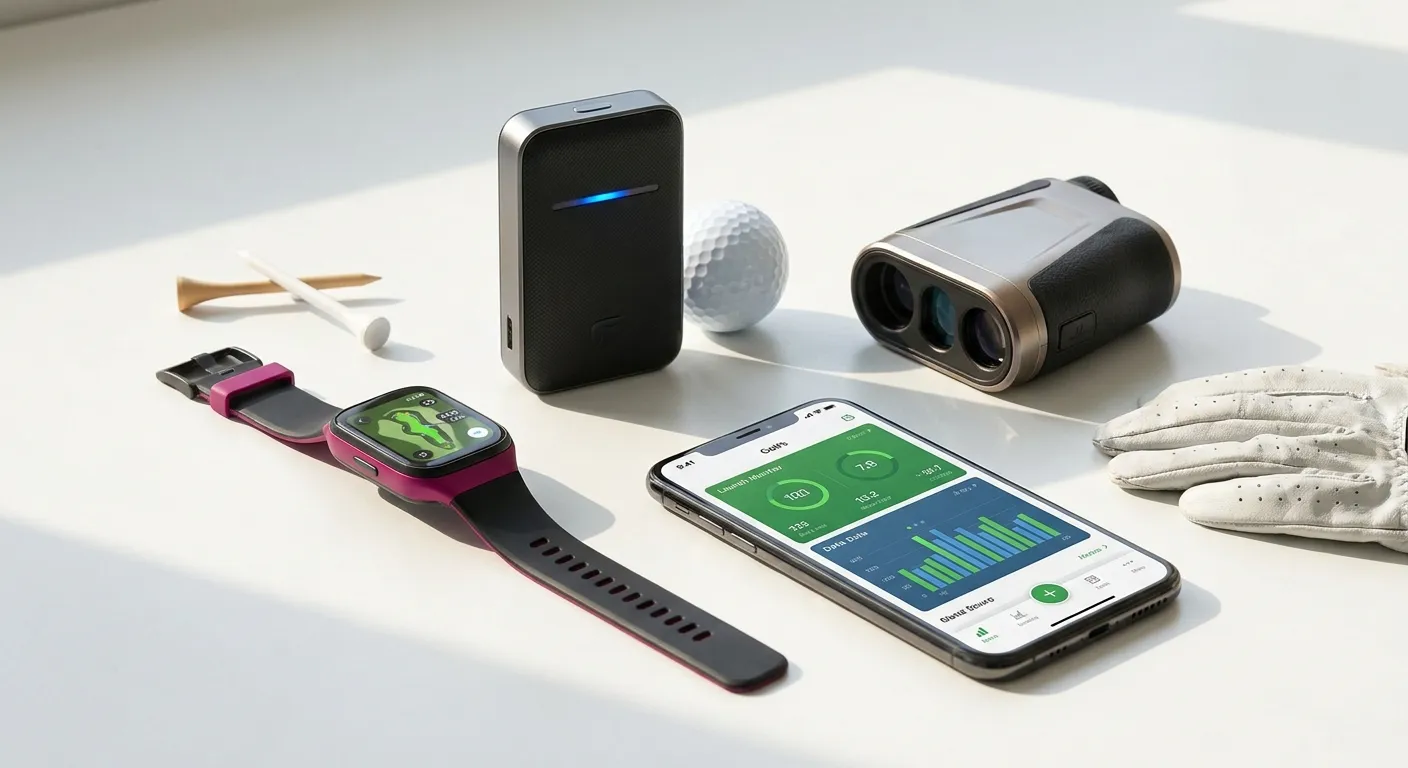
Essential golf gadgets earn their place by helping you answer a specific question. How far is the target? Where do ordinary strikes finish? Did the practice session show the pattern your coach wanted you to observe? A device cannot make those decisions for you, and an extra display is not automatically an improvement. This guide offers a practical workflow for distance tools, launch monitors, video, and shot logs. Use it to test the equipment you already own or to compare a candidate before committing. Choose the question first, then decide whether technology is the simplest way to answer it.
Write the question before choosing a device
Turn a broad wish into something observable. “Improve my irons” becomes “Check the carry of ordinary strikes with these neighboring clubs.” “Play smarter” becomes “Read the distance to the safe landing area before choosing a club.” “Fix my swing” becomes “Record the view my coach requested so we can discuss one movement.” Write the question in a notebook and list what information would answer it. This prevents you from buying a device for its full collection of features when you only need one clear output.
Check whether a simpler option works first. A course marker may answer a basic distance question; a notebook may record your putting misses; a coach may explain the camera position for your phone. If a gadget still helps, ask to demonstrate your intended task rather than watching a general sales presentation. Record setup time, readability, and the steps needed to find the result. The tool should fit the pace and conditions of your golf, including days when you do not want to become the operator of a complicated system.
Rangefinders: confirm what you have measured
At a demonstration or permitted practice location, try measuring a clearly identified target. Check the exact model’s instructions for aiming, confirmation, and any special modes. Do not assume every display represents the same target or kind of distance. If several objects sit near the flag, verify that you understand which one the device has selected. Repeat the measurement where appropriate and compare with an available reference. You are learning the workflow and its possible ambiguities rather than treating a number on a screen as unquestionable.
Decide where you will carry the device and how you will use it without delaying your turn. Check visibility in normal light and whether the controls are comfortable in your hand. Ask about batteries, charging, storage, and support for the actual model. If a distance reading seems inconsistent with the scene, stop and check the target instead of changing your club choice immediately. A measurement is input to a decision: consider the lie, landing area, and the shot you can reasonably attempt alongside it.
GPS tools: know which point each number describes
Check the course listing and available map details on the specific watch or app. Try moving between the displayed holes and finding the points you intend to use. Ask whether a distance refers to a green reference, a selected location, or a marked feature. Learn that distinction before a round. If you need a course download, account, connection, or update, complete it in advance. Avoid promising yourself that the app will handle every unfamiliar situation until you have tested how the relevant functions actually work.
Use a planning example: find the intended landing area, check the displayed distance to the relevant point, and decide whether your usual shot is suitable. Record what the tool told you and what you still had to judge yourself. Try the workflow with your normal glove and in lighting similar to an outdoor round where possible. If checking the device becomes distracting, use fewer views or a simpler display. The useful feature is the one you can understand and access consistently, not necessarily the richest map.
Launch monitors: make one comparison at a time
Read the setup requirements for the exact monitor and confirm the available space is suitable. Ask a facility or operator about safe positioning and how measurements are captured. Select one output that answers your written question, such as carry distance, and distinguish it from total distance. Check the units and whether the numbers are measured or calculated as described by the manufacturer. Different systems and settings may report information differently. Keep those details in your notes rather than combining results from unrelated sessions as though they were directly interchangeable.
For a distance comparison, use a familiar club and a candidate toward the same target under comparable conditions. Include ordinary strikes and misses in the record. If a reading is absent or clearly unusual, note it instead of inventing a replacement. Review the collection of results with a coach or fitter when it informs an equipment change. Do not chase every number on the dashboard at once. A session with a clear question, consistent setup, and understandable output can be more useful than a long list of metrics you cannot interpret.
Phone video: agree the view and the purpose
Ask your coach what camera position and framing they need for the question you are working on. Place the phone securely in a location allowed by the facility, outside the line of play and other players’ movement. Check that the full intended motion is visible before recording a set. Keep the setup consistent if you want a comparison between sessions. A different angle can create a different-looking picture, so do not diagnose a new fault merely because a clip looks unlike one filmed from another position.
Use one clip to ask one question. For example, show the coach the movement you are trying to understand and ask whether the view is sufficient. Avoid copying body positions from a professional video without instruction about their relevance to your swing. If other players are visible, respect their privacy and do not publish the clip without appropriate consent. Store or delete recordings deliberately so a practice library does not become an unorganized pile. Your phone can be a useful observation tool without becoming a source of constant self-correction.
Shot tracking: check the record before trusting the summary
Choose the level of recording you can maintain. A manual note might include club, intended target, general result, and a brief description of the lie. An automated system may offer additional detail, but check its exact functions and how corrections are made. After the round, review whether the recorded shots match what happened. Missing entries, incorrect club selection, or misplaced locations can affect the summary. Learn how to correct those records before using them to make broad conclusions about your game.
Look for a repeatable question rather than a verdict after one round. If several notes describe approach shots finishing short, bring that observation to your next practice session and check your distance selection. If missed putts are mostly long in your record, try a stopping-zone task on the practice green. These are possible investigations, not guaranteed explanations. Keep context such as unusual weather, unfamiliar conditions, or an incomplete record. A coach can help turn the pattern into a suitable practice plan without treating the app’s category as a complete diagnosis.
Check event rules and ongoing requirements
Before using devices in a competition, check the organizer’s conditions and The R&A’s Rule 4, including its provisions on use of equipment. Permission to carry a device does not settle whether every feature or use is allowed. Ask the appropriate official if you are uncertain, and know how to disable an unsuitable mode if required. Separately, confirm subscriptions, account requirements, update support, batteries, and return terms for any purchase. These practical details determine whether a promising tool fits your routine after the demonstration ends.
Your next step
Choose one question for the next outing and one tool to answer it. Practise the workflow, check the output, and turn the observation into a decision or a question for your coach. Essential golf gadgets should leave your golf clearer rather than more complicated. Keep the technology that helps you do that, and let your own goals decide which information deserves attention.